
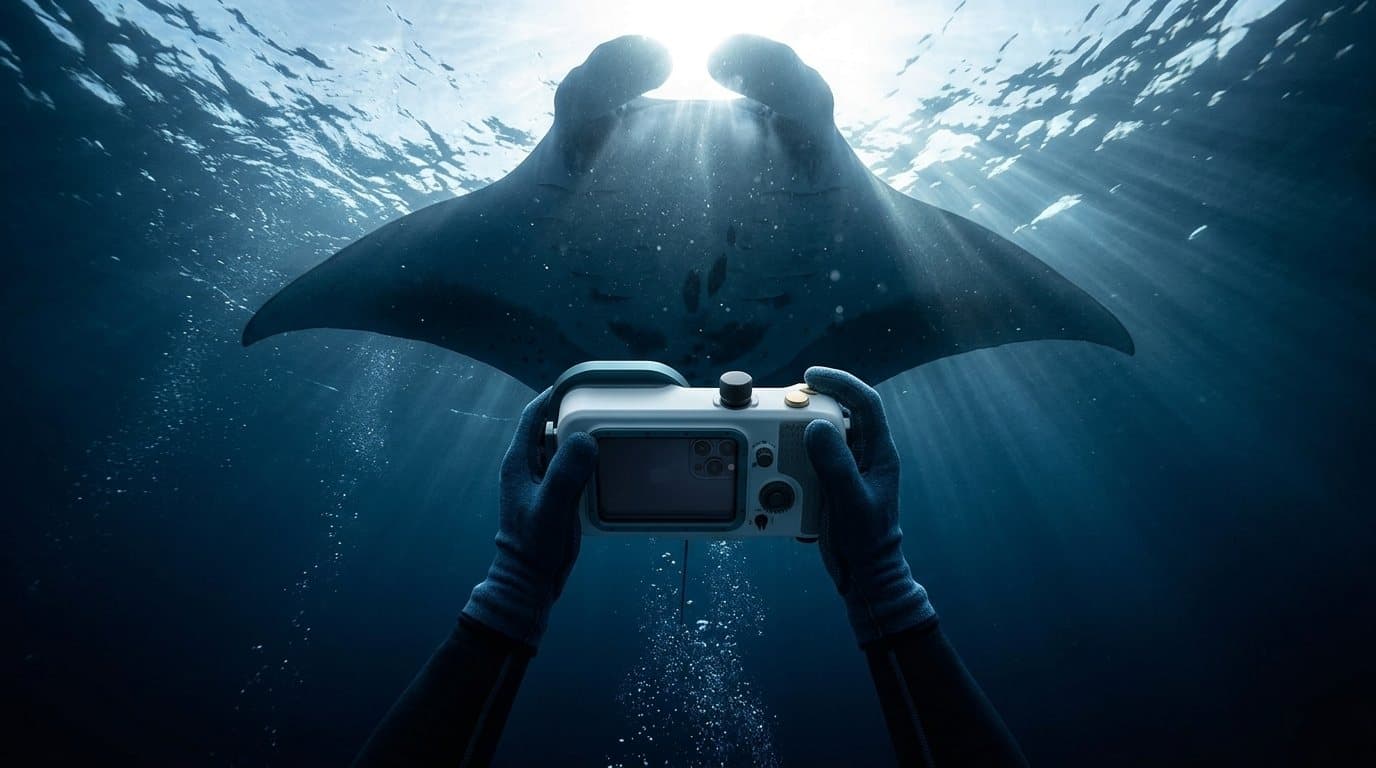
Camera software for iPhone dive housings
Upgrade your dive housing.
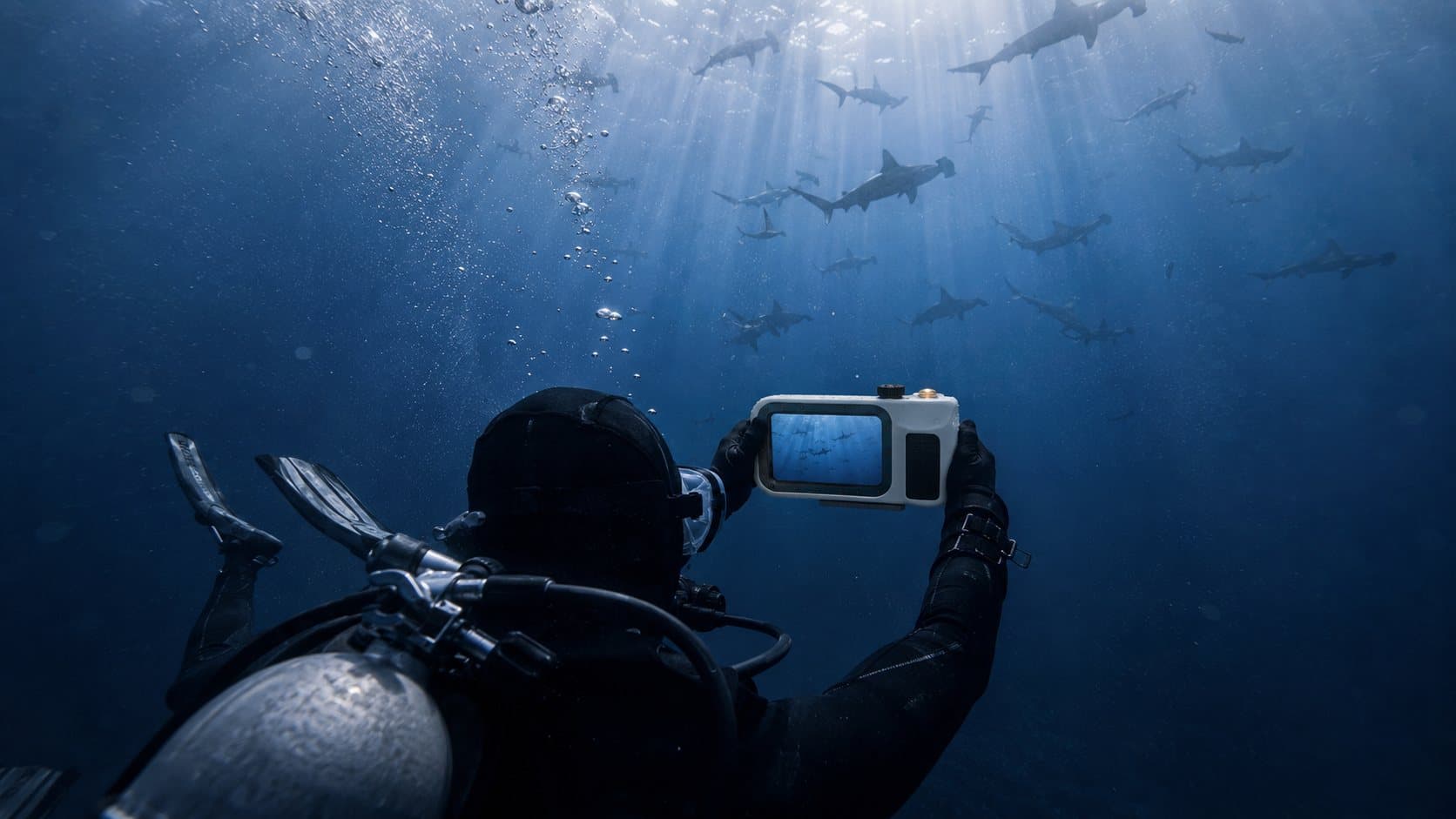
Your housing brings the buttons. ScubaCam brings a better camera to put behind them: 10-bit HDR video at 4K60, 48 MP ProRAW, focus that looks past the plankton, and a seal check before you go in.
Same housing. A better camera inside it.
More of the iPhone's camera
10-bit HEVC and HLG HDR at up to 4K60, a bitrate you choose, slow motion and 48 MP ProRAW. With Pro, Apple Log 2 and ProRes.
Every setting on your buttons
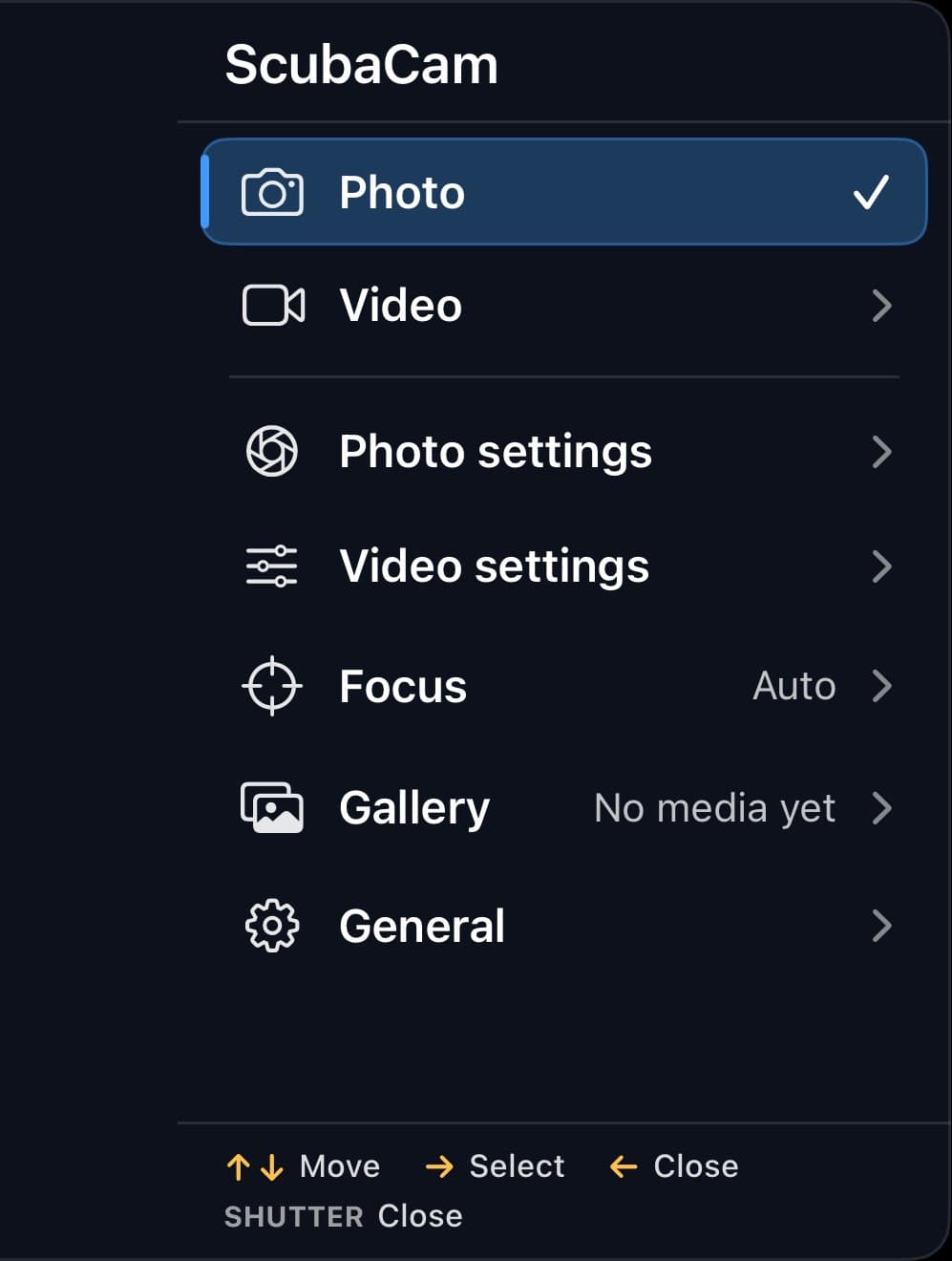
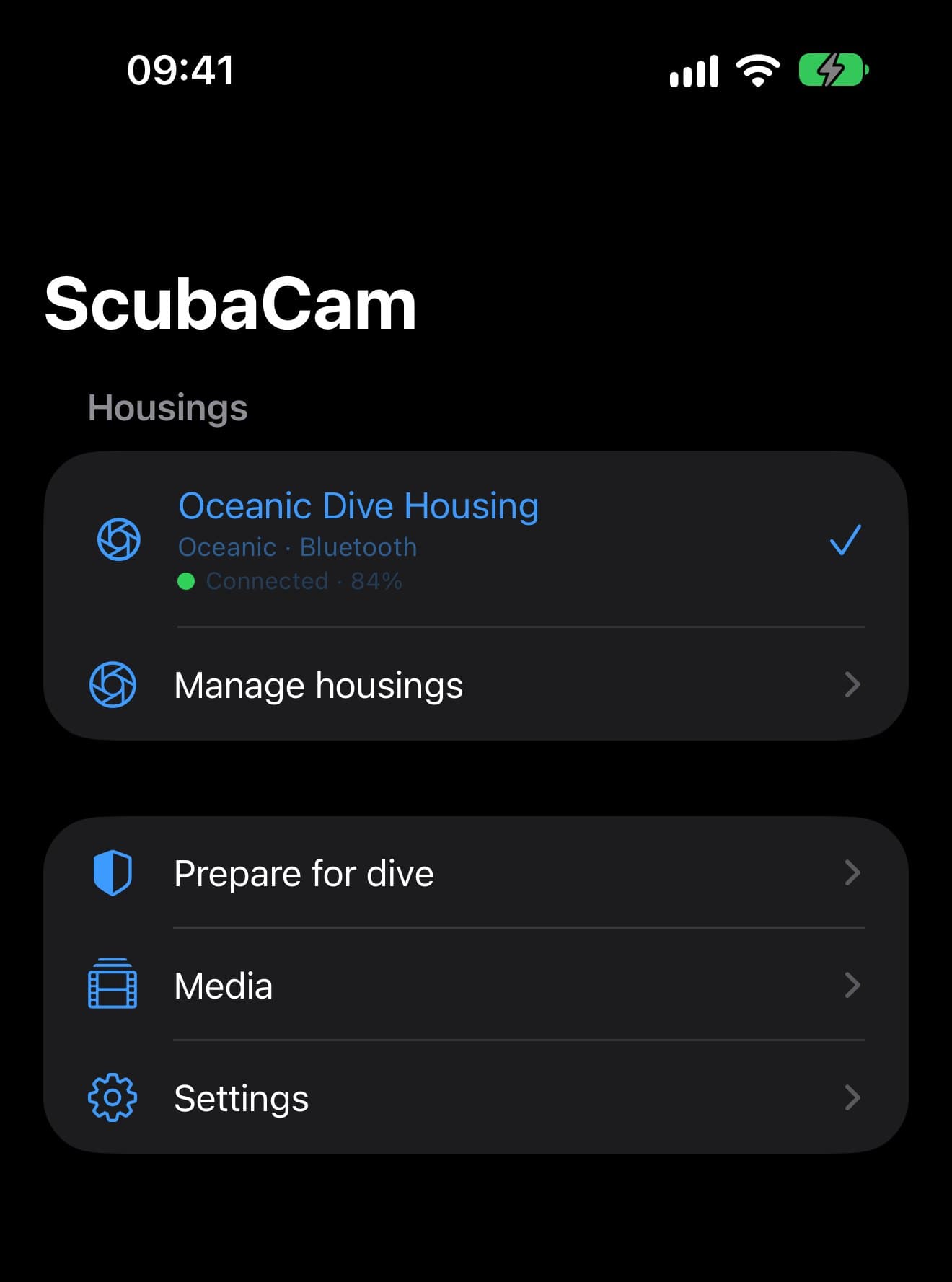
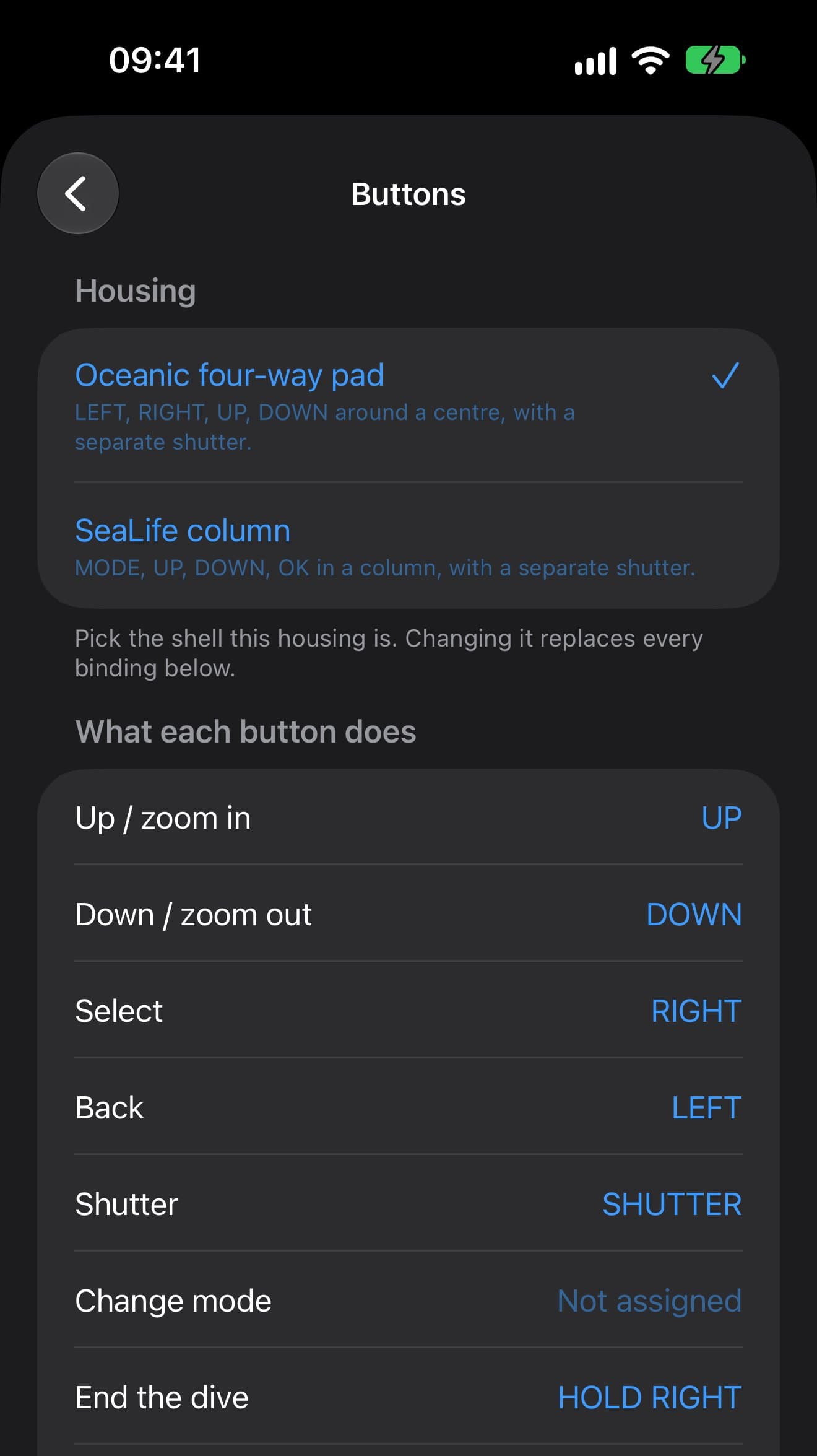
Resolution, frame rate, focus, white balance and exposure sit in one dive menu your housing's buttons drive, sized to read through the port.
Built around the dive
A checklist on the boat, a measured seal check before you go in, and color correction when you're back.
Before you go in
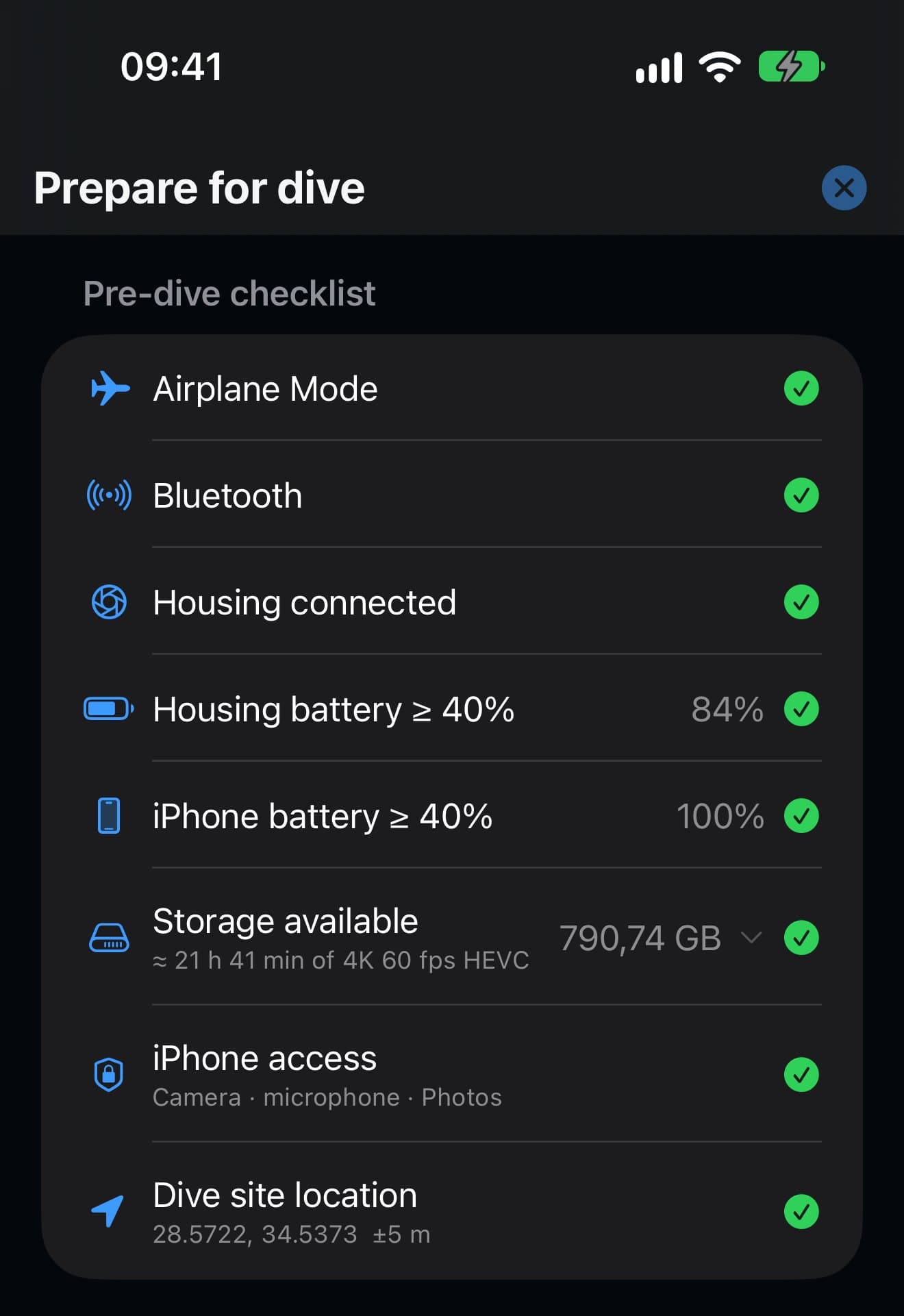
Check the phone. Then seal it.
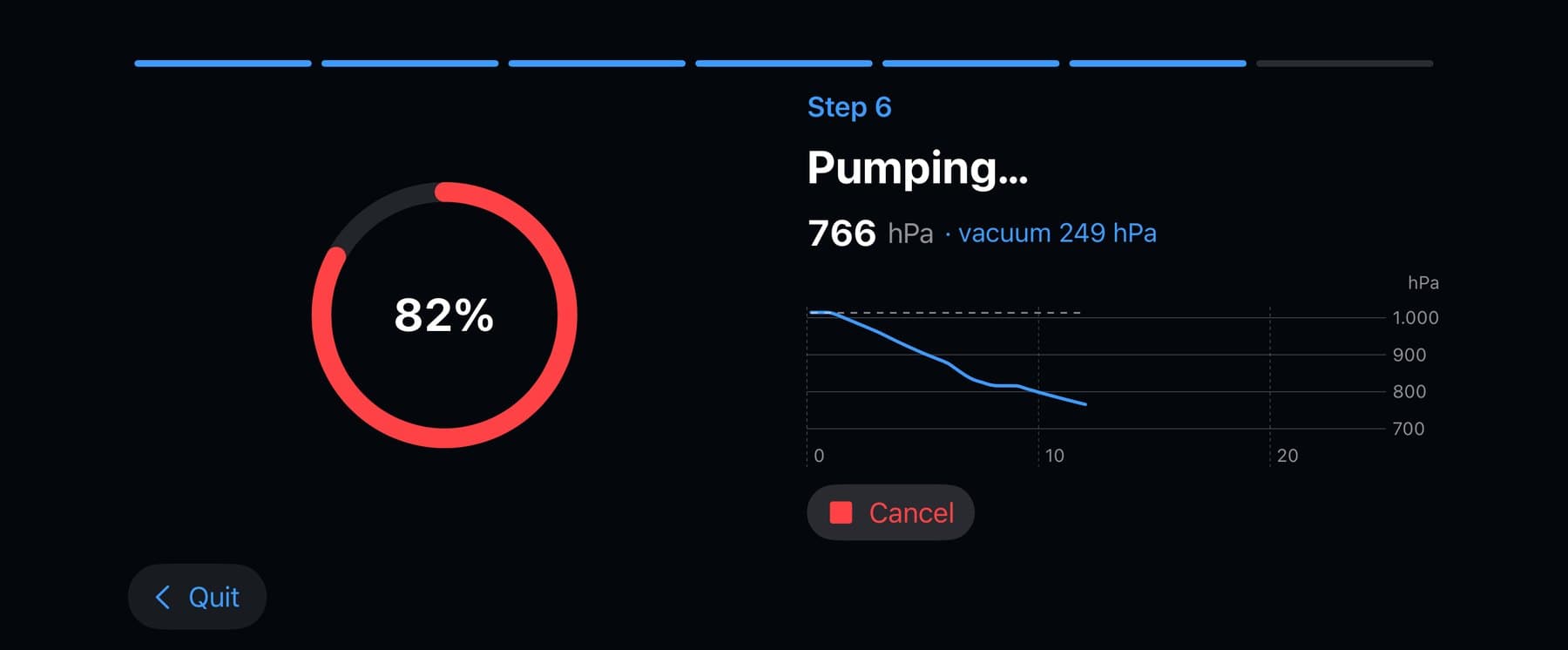
A pre-dive checklist covers Airplane Mode, battery, storage and permissions, then step-by-step cards walk you through sealing. On a supported Oceanic housing ScubaCam runs the housing's own pump and monitors the pressure for three minutes.
- Automatic vacuum pump-down and a three-minute seal check
- A clear leak alert: do not dive
- A barometer seal check for housings you pump by hand
- ScubaCam checks the seal it can measure; waterproofing and depth ratings come from your housing's maker
Better camera settings
Shoot what you came for.
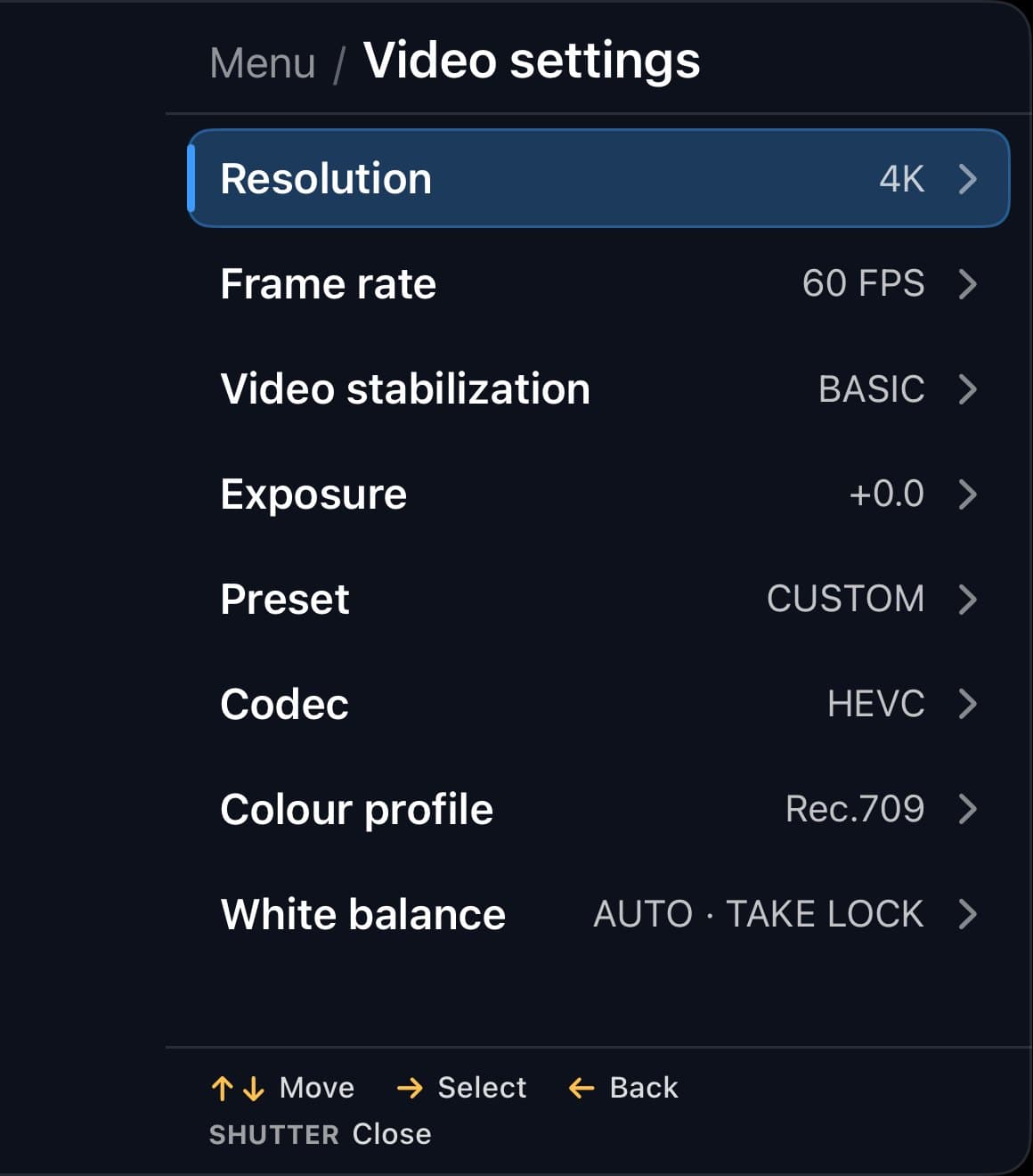
ScubaCam opens up what your iPhone's camera can do and puts it in reach of your housing's buttons: 4K at up to 60 fps in 10-bit HEVC, HLG HDR, slow motion, and 48 MP photos with ProRAW next to the HEIF. Which formats you get depends on your iPhone and lens.
- 4K60 10-bit HEVC at the bitrate you choose
- HLG HDR video, with an SDR viewfinder while you record it
- High-frame-rate slow motion and four stabilization modes
- 48 MP photos, ProRAW + HEIF
- With Pro: Apple Log 2, ProRes, manual shutter angle and ISO
Focus where you need it
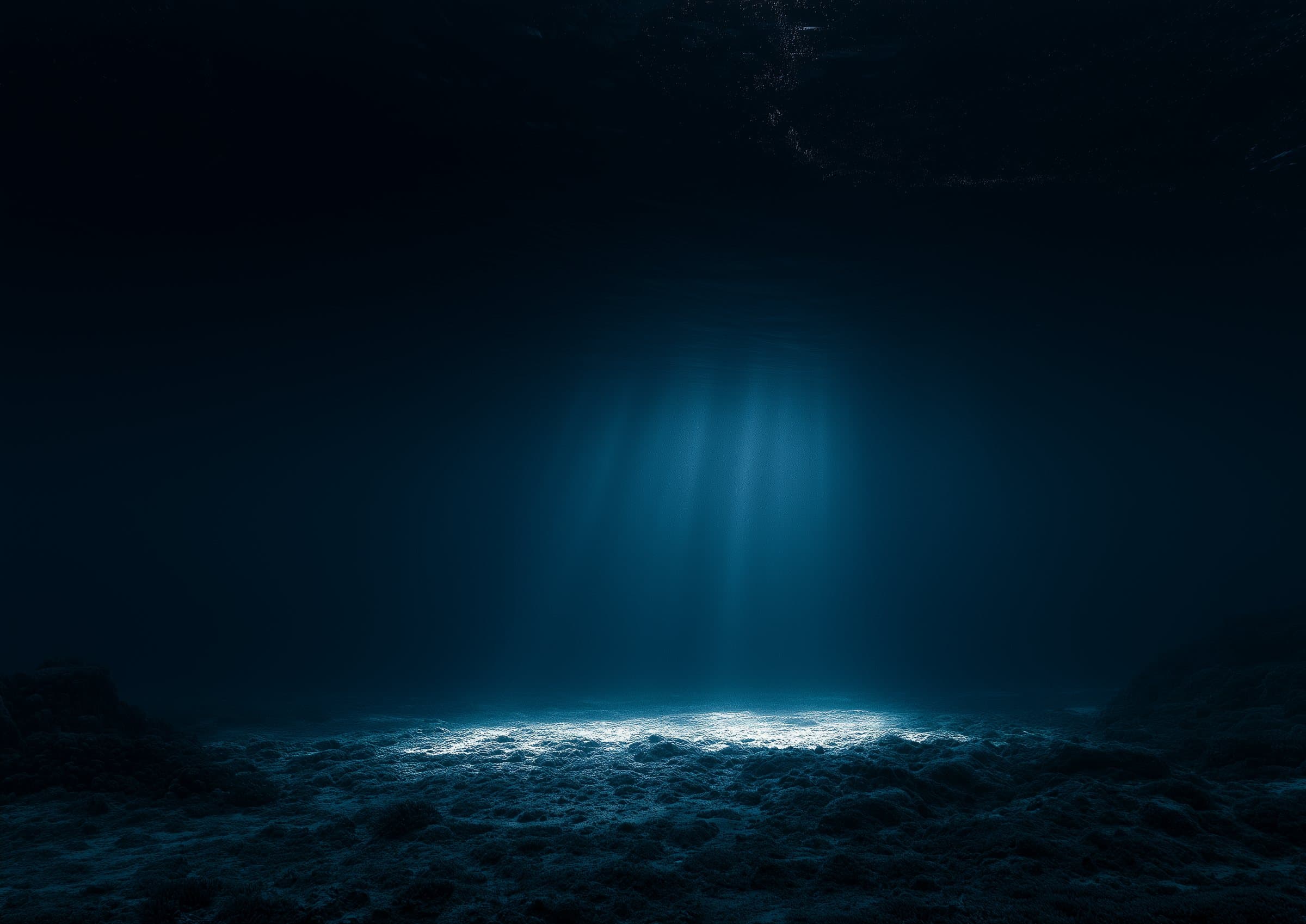
Far focus, past the plankton.
Filming a manta in blue water, autofocus is drawn to the specks right in front of the port. Far tells autofocus to prefer distant subjects, so it is less likely to settle on them. Macro prefers close subjects, Hold keeps focus where it is, and a housing shortcut switches between Auto and Far without the menu.
- AF
- AF FAR
- AF MACRO
- FOCUS HELD
And for color at depth: hold up a grey card, press the shutter, and ScubaCam sets white balance from it and holds it between takes.
No new hardware
Upgrades the housing you already own.
ScubaCam connects to Oceanic Bluetooth housings, including their vacuum pump, and to housings that pair as a keyboard, whose buttons you assign in the app. Save a profile for each housing and choose what every button does.
- Oceanic Bluetooth housings, including the automatic pump
- Keyboard-style housings, learned button by button
- Remap every button, per housing
- Help support a new housing by recording its Bluetooth profile
- Requires iOS 26 or later
After the dive
Bring back the color.
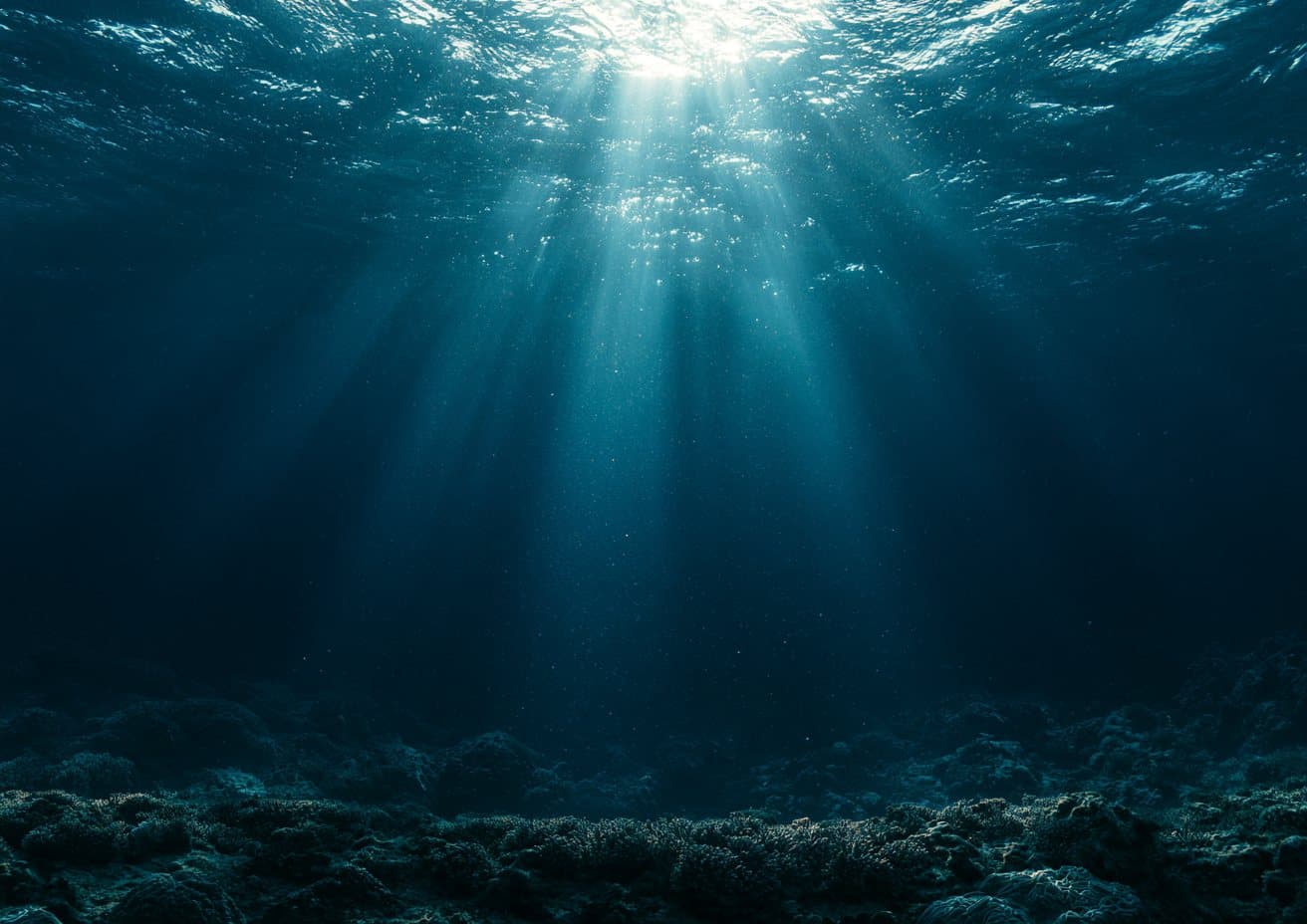
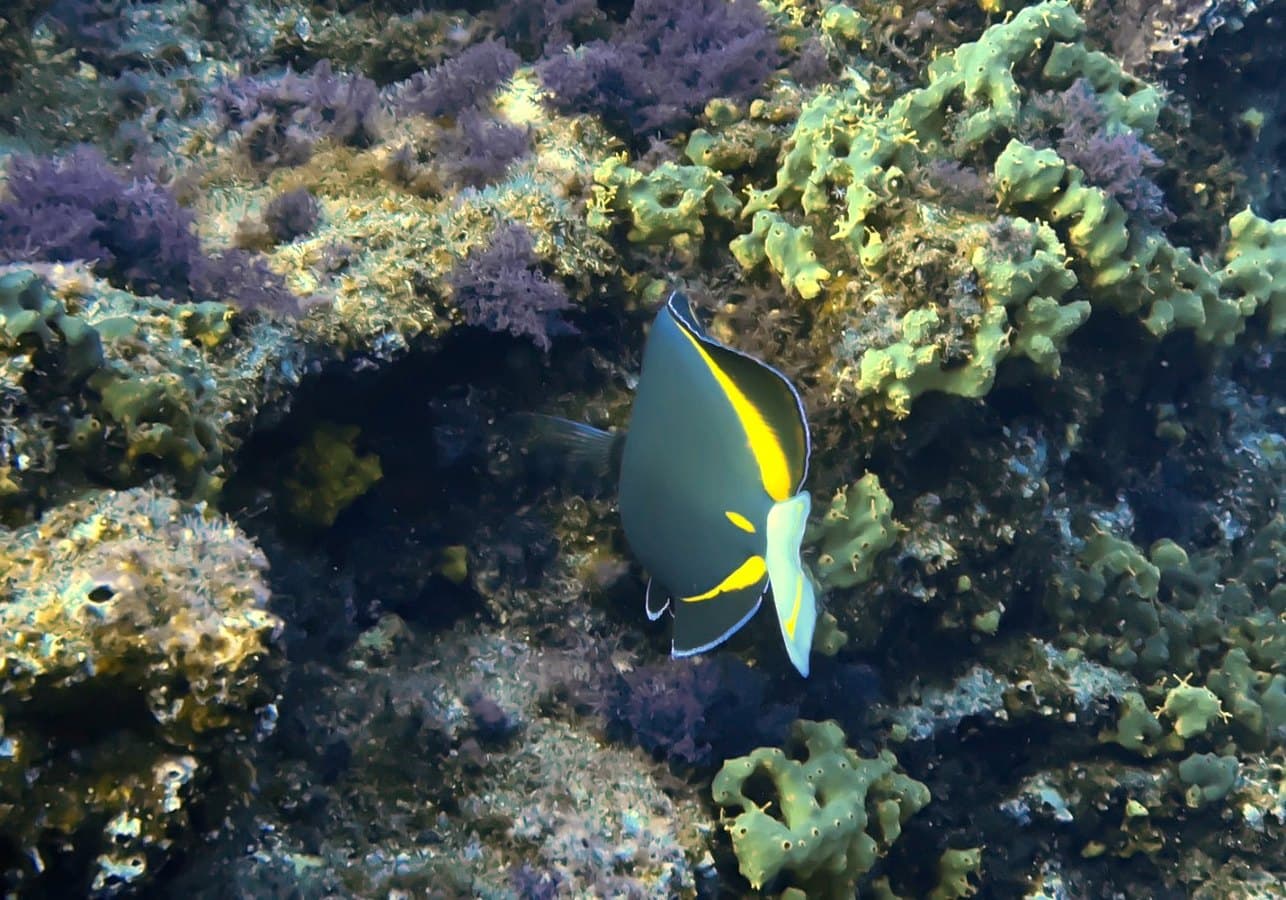
Water eats red first, so underwater photos come back blue-green. ScubaCam estimates the correction from the photo itself and lets you set the strength. Your original is never changed: the corrected version is saved as a copy.
- Free photo color correction, strength presets, save and share
- With Pro: the same workflow for video
- Media that browses like Photos, with every file checked before it reaches your library
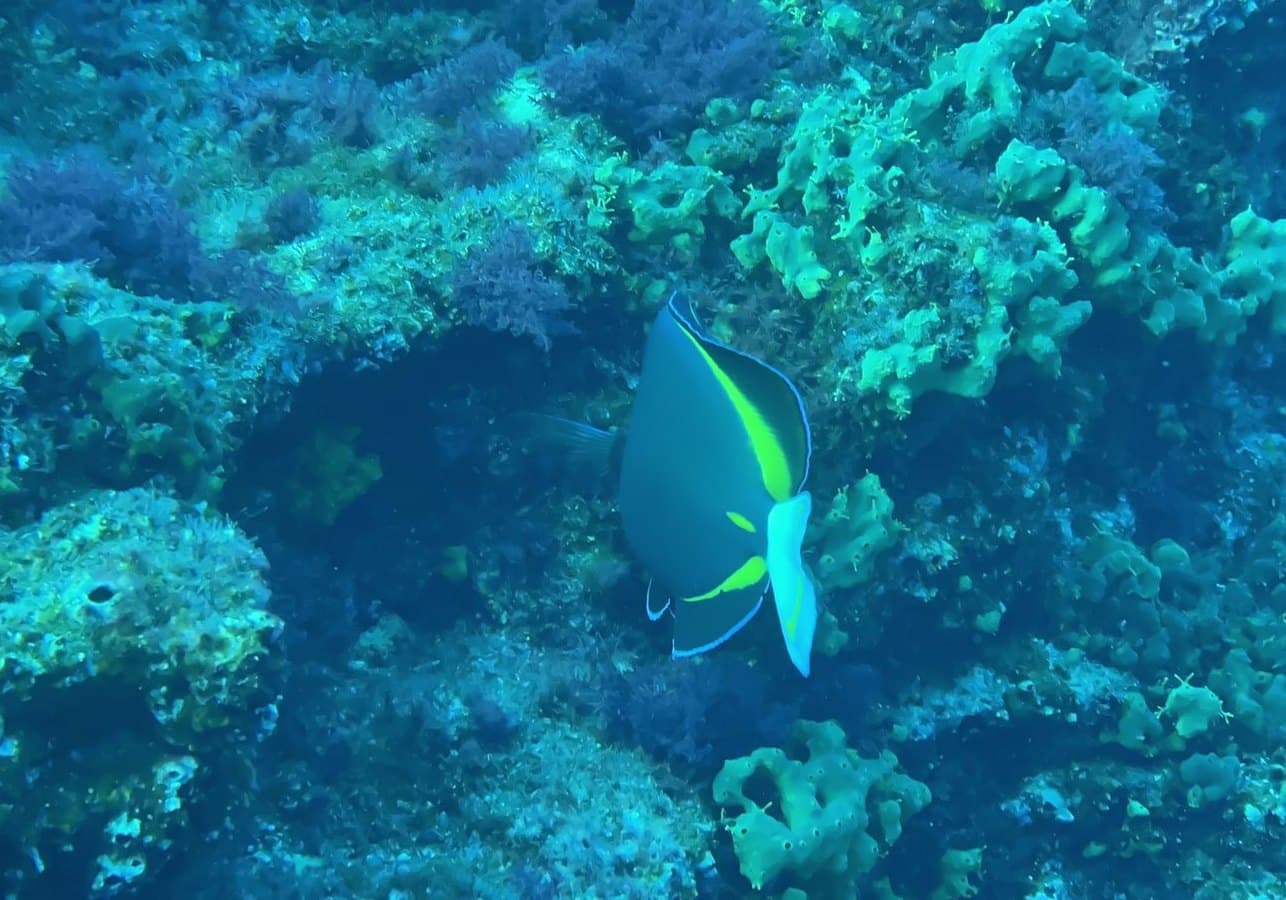
Features of ScubaCam
Everything else.
Beautiful underwater photos and video
- 4K60 10-bit HEVC
- HLG HDR video
- High-frame-rate slow motion
- Four stabilization modes
- Bitrate choice
- 48 MP photos
- ProRAW + HEIF
- SDR viewfinder for HDR
Focus and white balance control
- Far focus, past the plankton
- Auto and macro focus
- Hold focus
- Card white balance
- White balance lock
Creative control
- Apple Log 2
- ProRes
- Manual shutter angle
- Manual ISO
- Cine 24, 4K 60 and slow-mo presets
- Saved capture presets
- Advanced controls overlay
Built for use underwater
- Menus sized for the port
- Seal check countdown
- Battery gauges
- Recording-space warnings
- Heat warnings
- Standby timer
- Screen brightness levels
- In-dive gallery
Bring back the color after your dive
- Photo color correction
- Strength presets
- Save and share corrected copies
- Video color correction
Gold: with ScubaCam Pro
Free and Pro
Everything a dive needs is free.
ScubaCam Pro is a monthly or yearly subscription, with a free trial for eligible subscribers, for when you want more control over video. Prices are shown in the App Store.
Free
- Housing profiles, button mapping, checklist and seal check
- 4K60 10-bit HEVC, HLG HDR and slow motion
- 48 MP photos and ProRAW + HEIF
- Far, macro and held focus; card white balance
- Photo color correction, save and share
- Media, recovery files and saving to Photos
Pro
- Apple Log 2 and ProRes for color grading
- Manual shutter angle and ISO
- Cine 24, 4K 60 and slow-mo presets
- Saved capture presets and the advanced overlay
- Video color correction, save and share
Pressure and temperature are used for the seal check and are not dive instrument data. No account, no ads, no tracking.
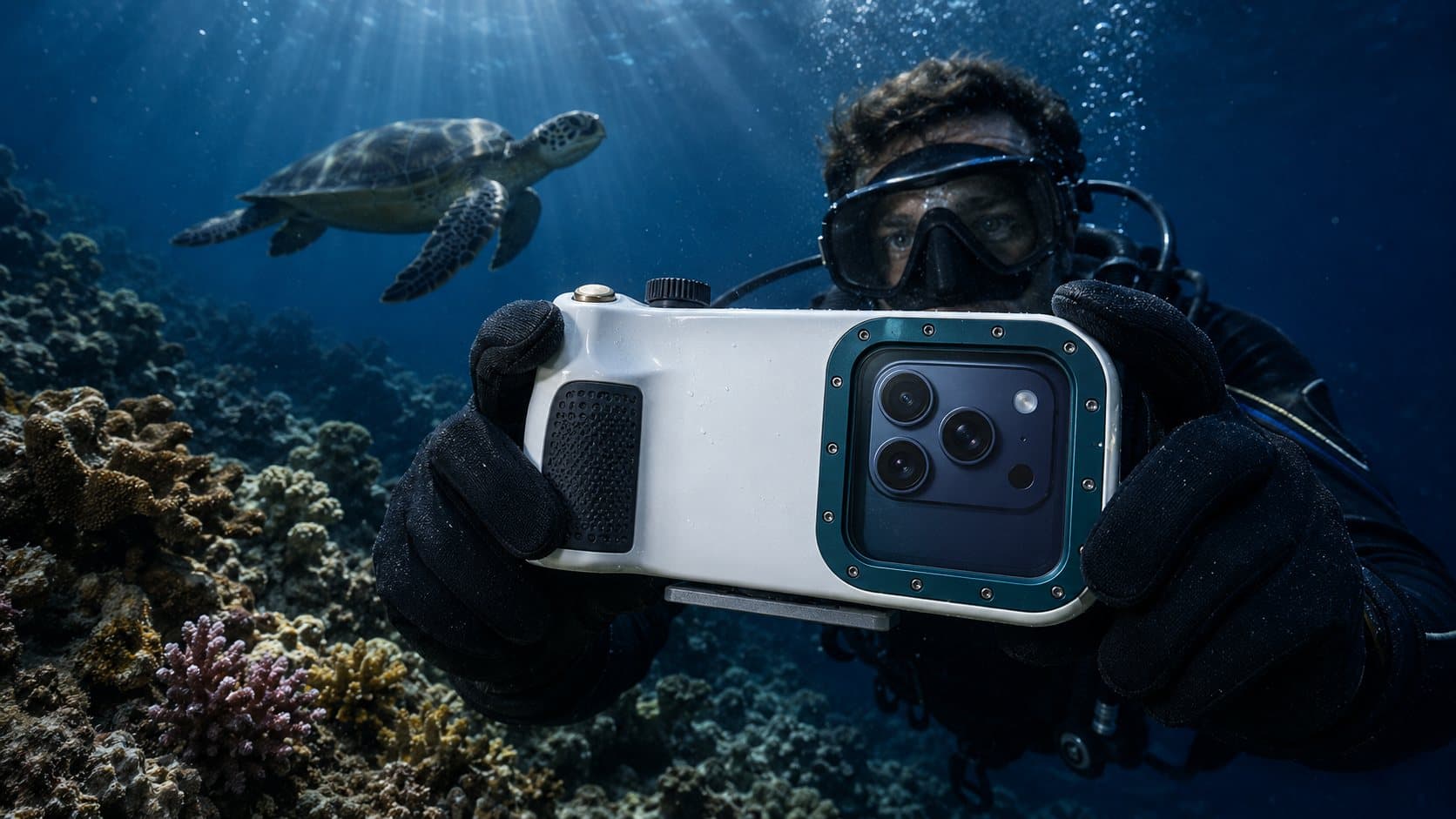

Upgrade your housing before the next dive.
